
Introducing re/blog
You're currently using it! It is a simple Blazor WebAssembly application, so it can be deployed to static file hosts like GitHub Pages. Choosing WebAssembly for a blog may appear strange, after all most search engines would have difficulty indexing its content, but this is actually a feature of re/blog. It is perfect for those who want to maintain a public blog, perhaps for their friends and family, while still retaining some privacy by making it less discoverable and harder to scrape. With the rise of generative AI, I feel like there might be a demand for something like this.
That being said, it is still possible to make it more search engine friendly. One option would be to convert your re/blog into a hosted application and enabling server-side prerendering. Another option would be to add a post-build task that generates a sitemap.xml file (see PostPublish task for example).
Features
Clean default interface with a content navigation pane, which allows users to skip to specific sections. 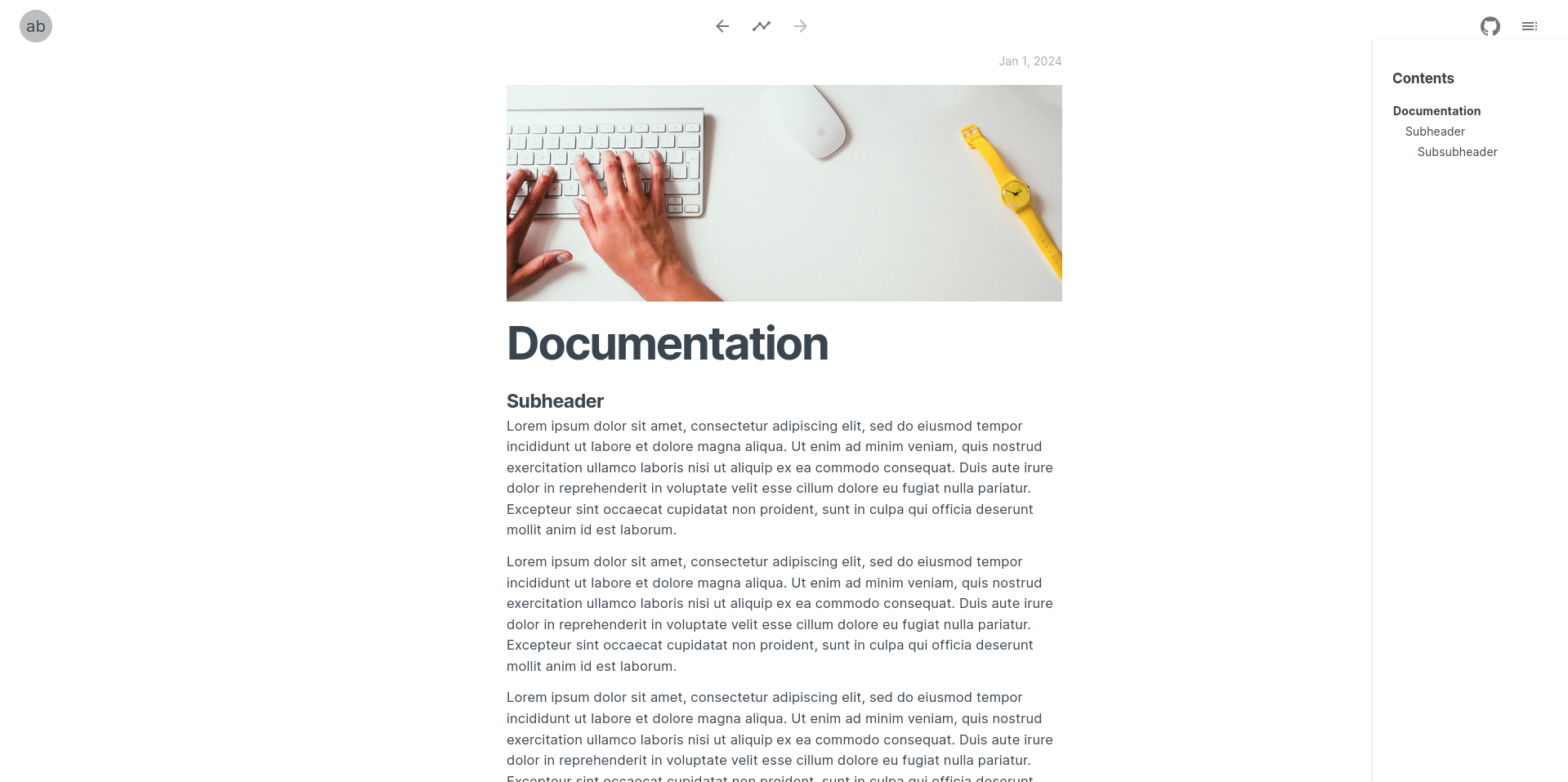
Navigate posts using a timeline, previous/next buttons, or left/right keyboard arrows. 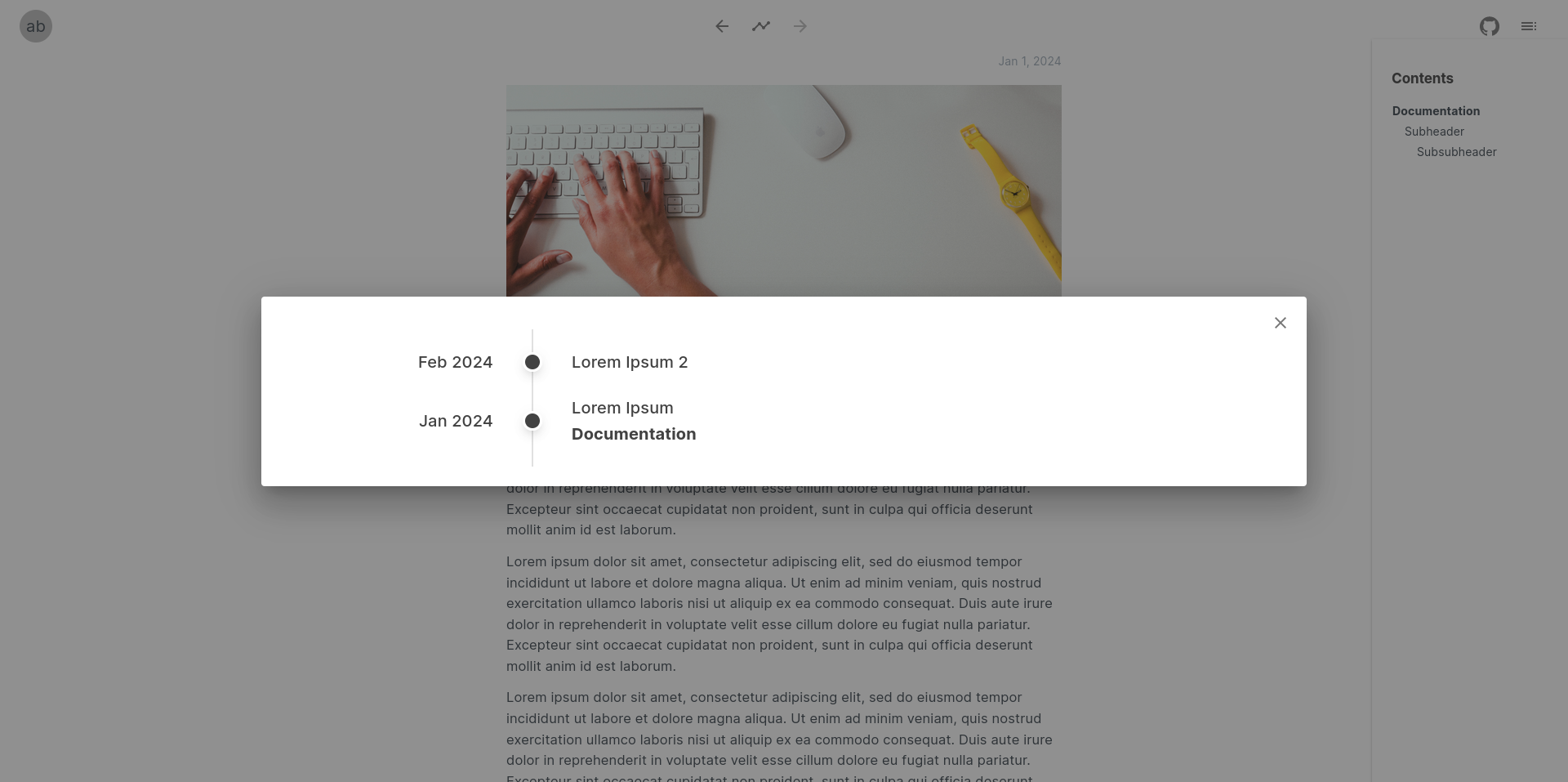
It also optionally supports comments and reactions, which are powered by Giscus (see branch for usage example).
Usage
Add markdown files to the wwwroot/posts folder and update index.json. Posts are expected to have the following YAML header:
---
id: lorem-ipsum
title: Lorem Ipsum
abstract: Optional abstract
created: 2024-01-01
tags: tag1, tag2
---
Where id corresponds to the url slug to be used, so it should not contain any spaces.
After customizing Pages/Index.razor (e.g., specifying avatar), the blog can be published using:
dotnet workload install wasm-tools
dotnet publish
For development:
dotnet watch runHosting
Since this is a WebAssembly application that runs entirely on the client-side, it can be hosted pretty much anywhere. Note however that for direct links to work, the server's 404 page must point to the blog's index.html. This is due to the way that Blazor WebAssembly does routing (see Host and deploy ASP.NET Core Blazor WebAssembly for explanation). Note that with this approach, although the contents will be displayed correctly, the http status code will still be 404. While it won't make any difference to typical users (i.e., they won't notice it), crawlers may refuse to index your pages, which could be considered an upside or a downside depending on how you look at it.
Anyway, here is how this can be done using nginx, apache httpd and azure static web apps.
nginx
server {
    listen 80;

    server_name blog.url.com;

    root /path/to/blog/wwwroot;
    index index.html;
    error_page 404 /index.html;

    location / {
        try_files $uri $uri/ =404;
    }
}
httpd
Using a .htaccess page:
ErrorDocument 404 /index.htmlazure static web apps
I have not tried this one myself, however it looks like for azure static web apps, you can add a staticwebapp.config.json file in your wwwroot folder with something like:
{
    "navigationFallback": {
        "rewrite": "/index.html",
        "exclude": ["/images/*.{png,jpg,jpeg,gif}", "/styles/*", "/scripts/*"]
    }
}
See azure static web apps configuration page for more information.
If you'd like to create your own re/blog, feel free to fork the project's repository and customize it however you want!
2026: I like to write for multiple reasons (e.g., writing to think), this includes communicating and sharing ideas to help people. It was fun to create re/blog, and I may still use it in some places, but its poor discoverability went against some of my goals. For this reason, I decided to switch to VitePress.